How to Use Flipgrid?
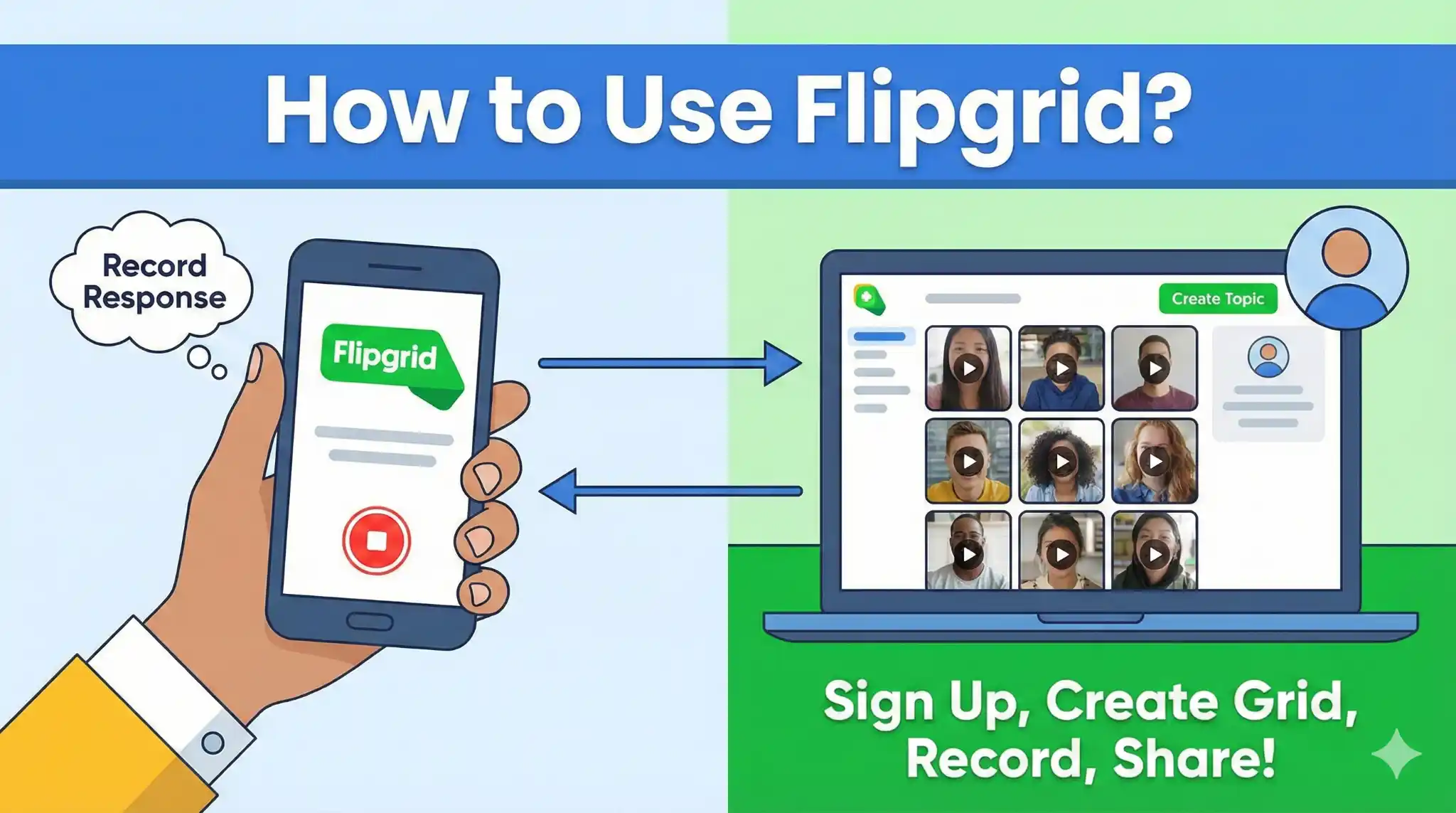
Using Flipgrid is as easy as using any other online application on your computer or Phone. It helps to connect students with their mates and teachers for a better understanding of the course. It doesn’t require any exceptional technical knowledge to use. Everyone can use it without facing any issues, as it’s super easy to use. For those who face any issues with it, below is a complete guide for both students and teachers on how they can use it properly.
How to use FlipGrid for Students
Students can access Flip using a Microsoft or Google account, or by entering a join code provided by their teacher. Once logged in, students can view grids for their classes, browse discussion topics, and watch video submissions from peers. Each topic allows students to respond with their own videos, creating a collaborative learning environment.
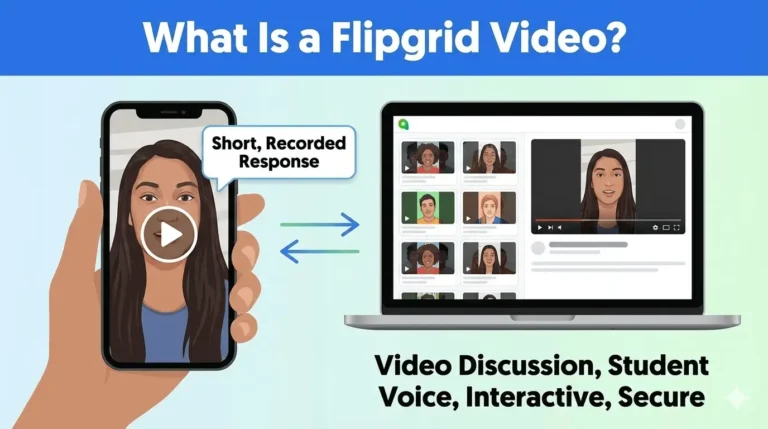
Recording a video is a simple and intuitive process. Students can use the Flip camera on their device to capture responses. The platform allows trimming and re-recording, so students can perfect their answers before submitting. Videos can be enhanced with text overlays, drawings, or stickers to make responses more engaging. After reviewing, students submit their videos to the grid, where teachers and peers can watch and comment, fostering interaction and discussion.
Students also have a personal dashboard to track their submissions, manage past and current videos, and review comments. This organization helps students stay on top of assignments while promoting responsibility and active participation.
How to use Flipgrid for Teachers
Teachers can create structured and interactive assignments that promote student engagement. Educators start by creating a grid for a class or group, then post topics with instructions or video prompts. Flip integrates with Microsoft Teams and Google Classroom, allowing teachers to manage assignments efficiently within existing systems.
Once topics are posted, teachers can monitor student submissions, provide feedback, and assess participation. Flip offers tools to leave comments, assign rubrics, and send private replies, ensuring personalized feedback. Educators can also collaborate with colleagues and share best practices within the platform.
By using Flip, teachers can encourage creativity and expression while maintaining control over classroom discussions. Video-based prompts provide a more engaging alternative to traditional text-based assignments and cater to different learning styles.
Using Flipgrid in the Classroom
Flipgrid enhances classroom learning by promoting collaboration and student interaction. Students who are hesitant to speak in traditional discussions often feel more comfortable expressing themselves through video. The platform enables learners to revisit discussions, reflect on their learning, and engage with peers meaningfully.
Teachers can assign individual or group projects, host virtual discussions, and assess understanding through video reflections. Flip supports asynchronous learning, allowing students to contribute outside of regular class hours. This flexibility makes it ideal for hybrid or remote classrooms.
Tips for Effective Classroom Use
To maximize Flipgrid’s benefits, students should:
- Plan video responses before recording to ensure clarity
- Use creative tools such as text overlays and drawings
- Review videos for quality before submission
Teachers can enhance effectiveness by:
- Creating clear and engaging prompts
- Providing examples or guidelines for responses
- Encouraging peer interaction through comments and discussion threads
Key Features and Benefits Table
| Feature | Students | Teachers |
| Video Recording | Record short videos using a webcam or a mobile device | Create video prompts for assignments |
| Editing Tools | Trim, re-record, add text, drawings, or stickers | Moderate student videos and provide feedback |
| Dashboard | Track submissions and comments | Monitor class participation and progress |
| Integration | Microsoft Teams, Google Classroom | Collect assignments and integrate with classroom systems |
| Collaboration | Comment on peer videos, engage in discussions | Enable group projects and discussions |
| Accessibility | Desktop, tablet, and mobile access | Assign and review work from any device |
Advantages of Flipgrid
Flipgrid provides numerous benefits for both students and teachers.
For Students:
- Builds communication and presentation skills
- Boosts confidence in sharing ideas
- Reinforces learning through visual, auditory, and verbal engagement
For Teachers:
- Simplifies monitoring of student participation
- Facilitates feedback and grading
- Integrates with other educational tools for seamless classroom management
- Accessible on desktop, tablet, and mobile devices
The platform provides a secure environment for sharing ideas, making it suitable for various educational settings.
Conclusion
Flipgrid is a powerful video discussion platform that transforms the learning experience for students and teachers. By allowing students to share ideas through video, it fosters participation, creativity, and confidence. Teachers can monitor progress, provide feedback, and create engaging assignments that go beyond traditional classroom discussions. Whether used in-person, remotely, or in hybrid classrooms, Flipgrid supports meaningful collaboration, amplifies student voice, and promotes interactive learning. Its user-friendly interface, multi-device accessibility, and integration with educational tools make it an essential resource for modern teaching and learning.