What Is a Flipgrid Video?
If you’ve ever taken an online class or worked with digital learning tools, there’s a good chance you’ve heard of Flipgrid. It was a popular platform that let students and teachers communicate using short videos instead of long written replies.
Even though Flipgrid is no longer active, people still look it up, usually because they want to understand what a Flipgrid video was or they’re trying to track down an old video they recorded years ago. This guide breaks everything down in plain language, without technical fluff.
So, What Exactly Is a Flipgrid Video?
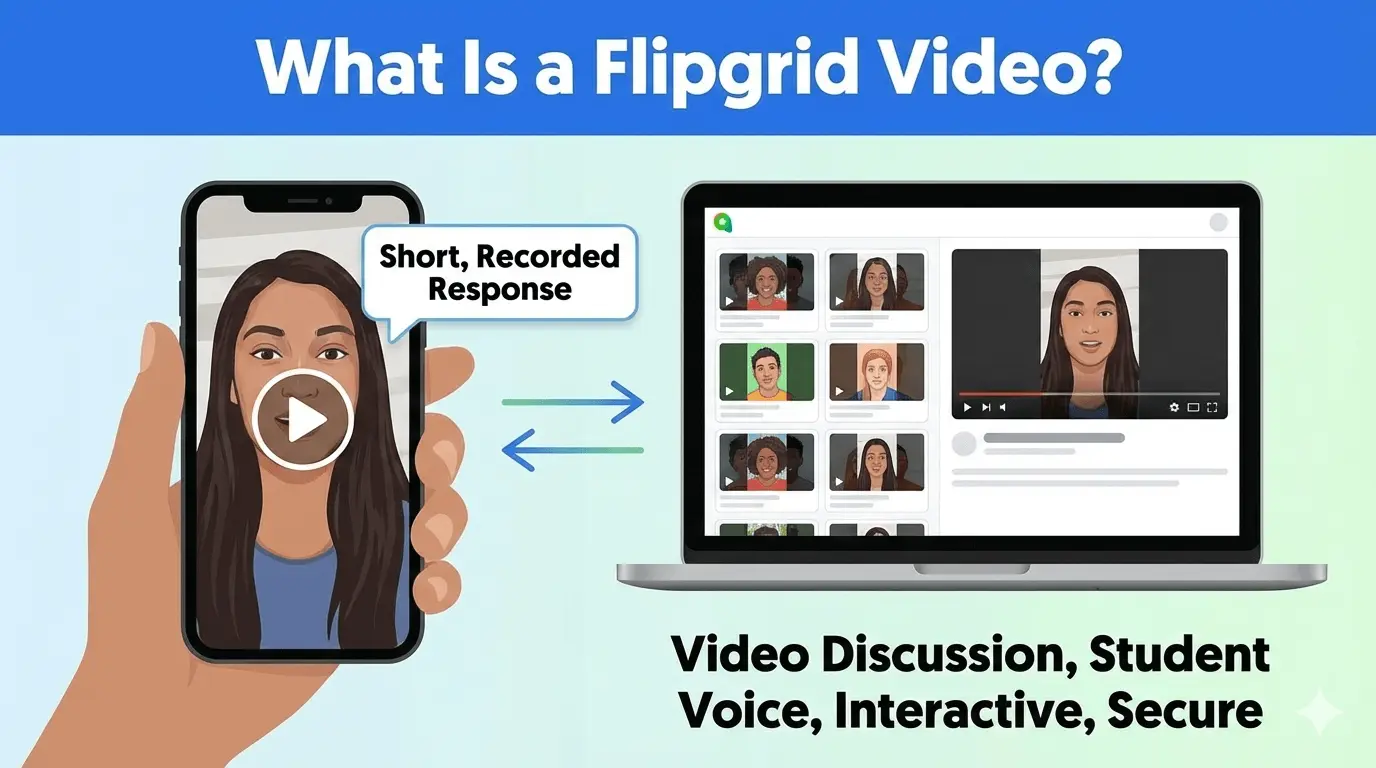
A Flipgrid video was simply a short video response recorded inside the Flipgrid platform (which was later renamed “Flip”). Instead of typing answers, users would record themselves speaking in response to a question or topic.
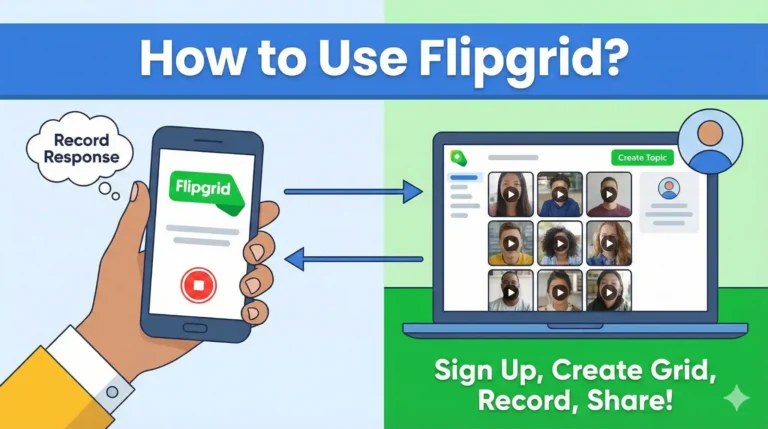
Each question was called a Topic, and Topics lived inside Grids. Think of a Grid as a private classroom or discussion space. Once a Topic was posted, participants could record their videos, watch other responses, and sometimes reply with their own videos.
What made Flipgrid stand out was how easy it was to use. You didn’t need editing skills or special software. You could re-record as many times as you wanted before submitting, which made it especially helpful for students who were nervous about speaking.
Why People Actually Liked Using Flipgrid
Flipgrid became popular because it felt more human than text-based discussions. Seeing faces and hearing voices made online learning feel less distant.
Teachers and trainers used Flipgrid videos for things like:
- Class discussions and reflections
- Language practice and pronunciation
- Short presentations or explanations
- Icebreakers at the start of a course
- Peer feedback and group interaction
Since videos were recorded asynchronously, people could respond when it worked for them. That flexibility made it useful across different time zones and learning environments.
What a Flipgrid Video Typically Included
Here’s a quick look at what most Flipgrid videos were like:
| Feature | What It Meant |
| Video length | Short, usually limited by the teacher |
| Recording | Done directly in the browser or app |
| Organization | Posted under a Topic inside a Grid |
| Interaction | View, like, and reply to other videos |
| Creative tools | Text, stickers, filters, drawing tools |
| Moderation | Controlled by teachers or group owners |
| Main users | Students, educators, training groups |
These features made Flipgrid videos feel structured but still creative and fun.
Privacy and Control on Flipgrid
Flipgrid wasn’t a free-for-all. Teachers and group owners had full control over who could see videos, who could comment, and whether videos needed approval before being visible.
This was especially important for schools and younger students. However, it also meant that access to videos depended heavily on the educator or institution managing the Grid. That detail became important later when the platform shut down.
Why Flipgrid No Longer Exists
Microsoft, which owned Flipgrid, decided to retire the standalone platform and move its main features into Microsoft Teams for Education. After a transition period, Flipgrid’s website and apps were officially shut down in 2024.
Once that happened, users could no longer log in to view or download their old videos. Anything that hadn’t been saved beforehand was scheduled for permanent deletion.
That’s why so many people now search for old Flipgrid videos, and why finding them isn’t always easy.
How to Find Old Flipgrid Videos Today
The honest answer: it depends on whether the videos were saved before Flipgrid closed.
Here are the places worth checking:
Personal or teacher backups
Many teachers downloaded Flipgrid videos as MP4 files before the shutdown. These might still be on a computer, an external drive, or cloud storage like Google Drive or OneDrive.
Learning platforms
Some Flipgrid videos were linked or embedded in tools like Google Classroom, Canvas, or Microsoft Teams. Even if the original link no longer works, archived course materials may include saved copies.
School or organization IT departments
If the videos were created through a school or university account, the institution may have archived data during the transition. It’s not guaranteed, but it’s often the last realistic option.
What you can’t do anymore
There’s no way to recover videos directly from Flipgrid itself. Once the platform shut down and data was deleted, those videos were gone for good unless someone saved them earlier.
Common Reasons Old Flipgrid Videos Can’t Be Found
If you’re coming up empty, it’s usually because:
- The videos were never downloaded
- The teacher didn’t archive the Grid
- The content was deleted during shutdown
- The account holder no longer has access
In those cases, there unfortunately isn’t a workaround.
What Flipgrid Taught Us About Online Tools
Flipgrid’s shutdown was a reminder that online platforms don’t last forever. No matter how popular a tool is, it can disappear or change without much notice.
If something matters, especially videos or creative work, it’s always smart to:
- Download copies regularly
- Store files in more than one place
- Know who owns and controls the content
Those small steps can save a lot of frustration later.
Final Thoughts
Flipgrid videos made online discussions feel more personal and approachable, especially in education. They helped students speak up, share ideas, and connect in ways text alone often couldn’t.
Even though Flipgrid is no longer around, understanding how it worked, and why old videos may be hard to find, can help you avoid similar issues with future platforms.
If you’re searching for an old Flipgrid video, your best bet is checking backups, course archives, or reaching out to the school or teacher involved. And going forward, saving important content outside any single platform is always the safest move.